
NB! Before adding invoices please make sure you have invited the supplier to the platform.
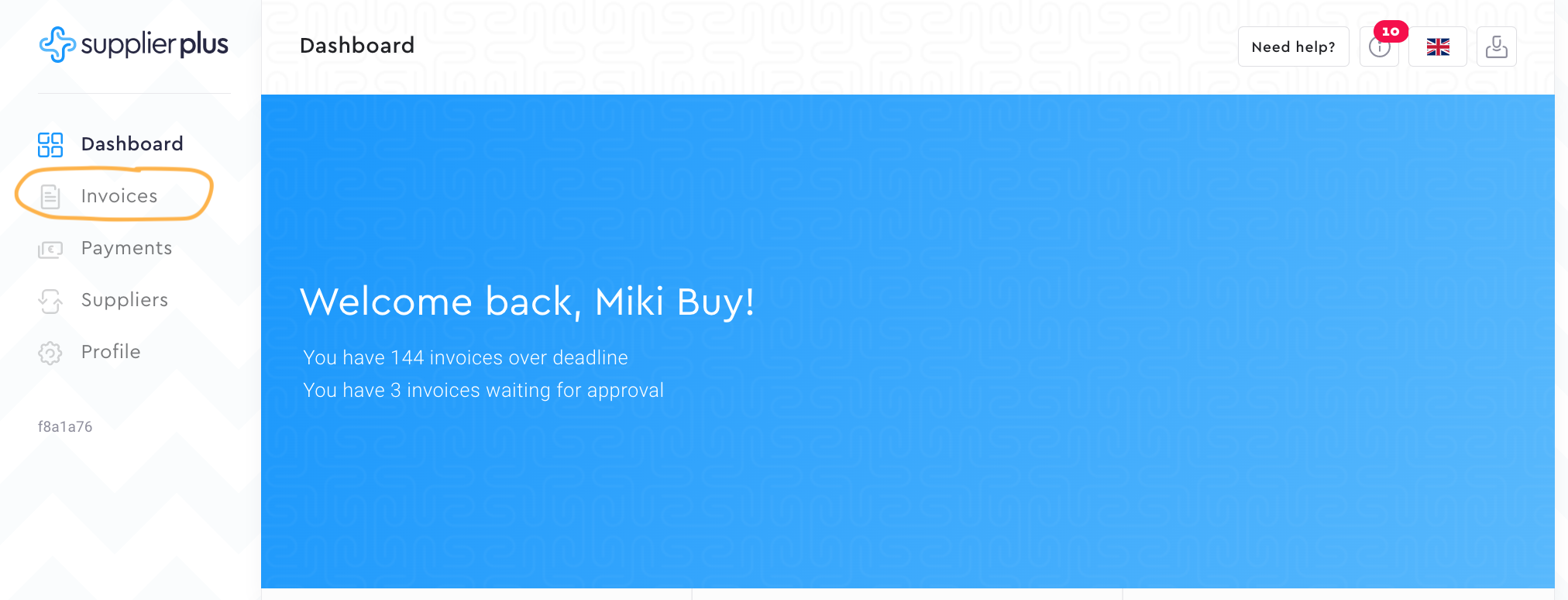
1. Go to Invoices.

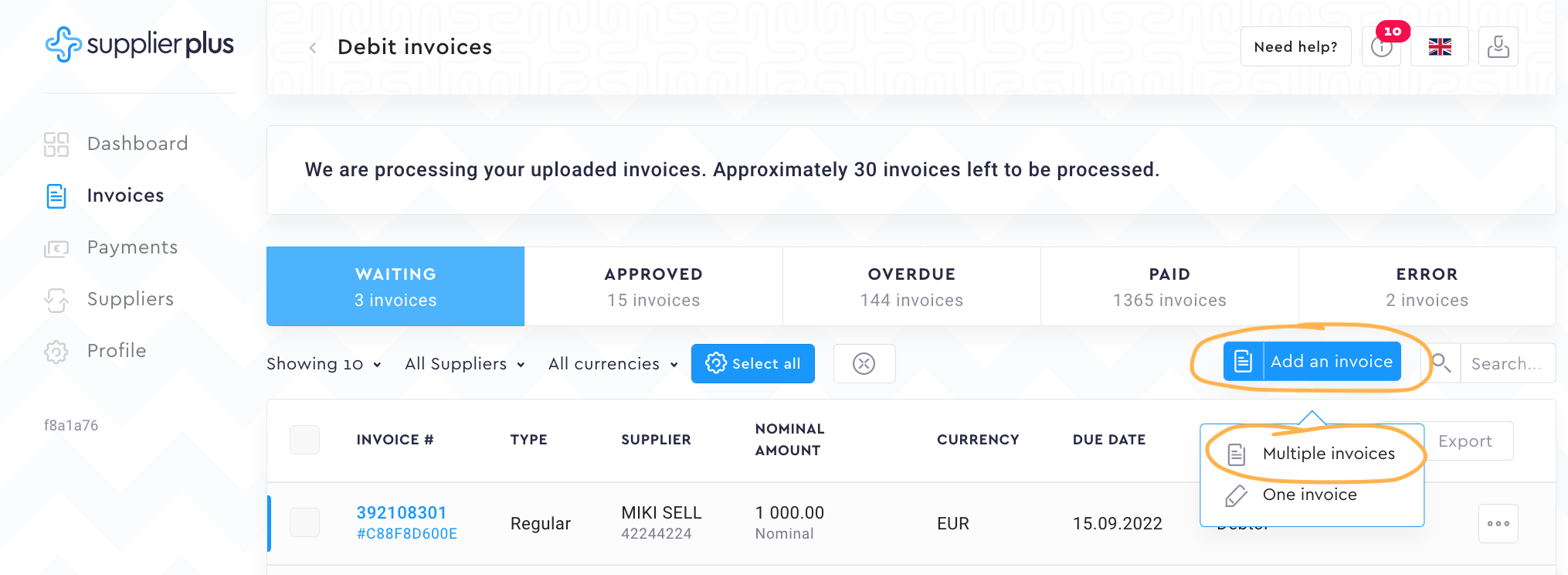
2. Press Add an invoice and select Multiple invoices.
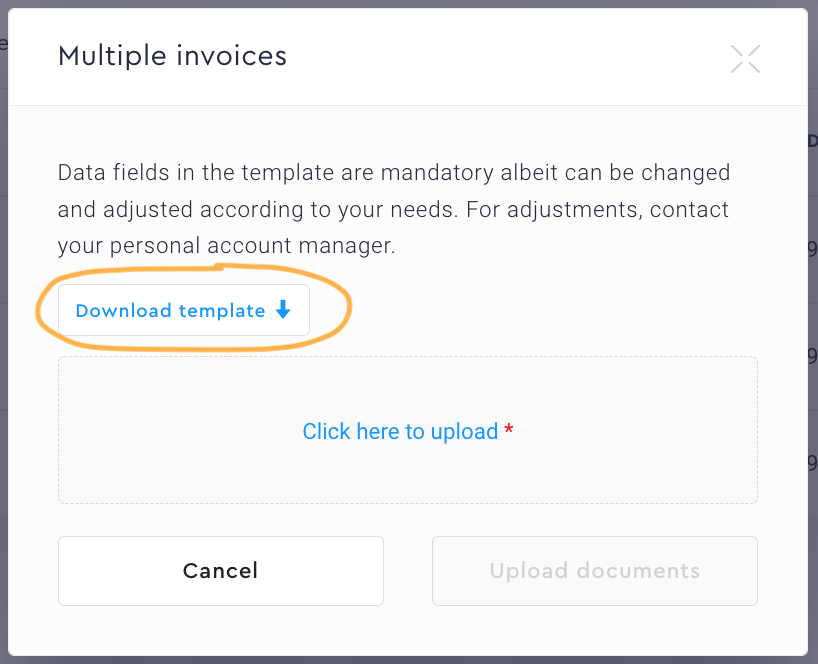
3. Press Download template.

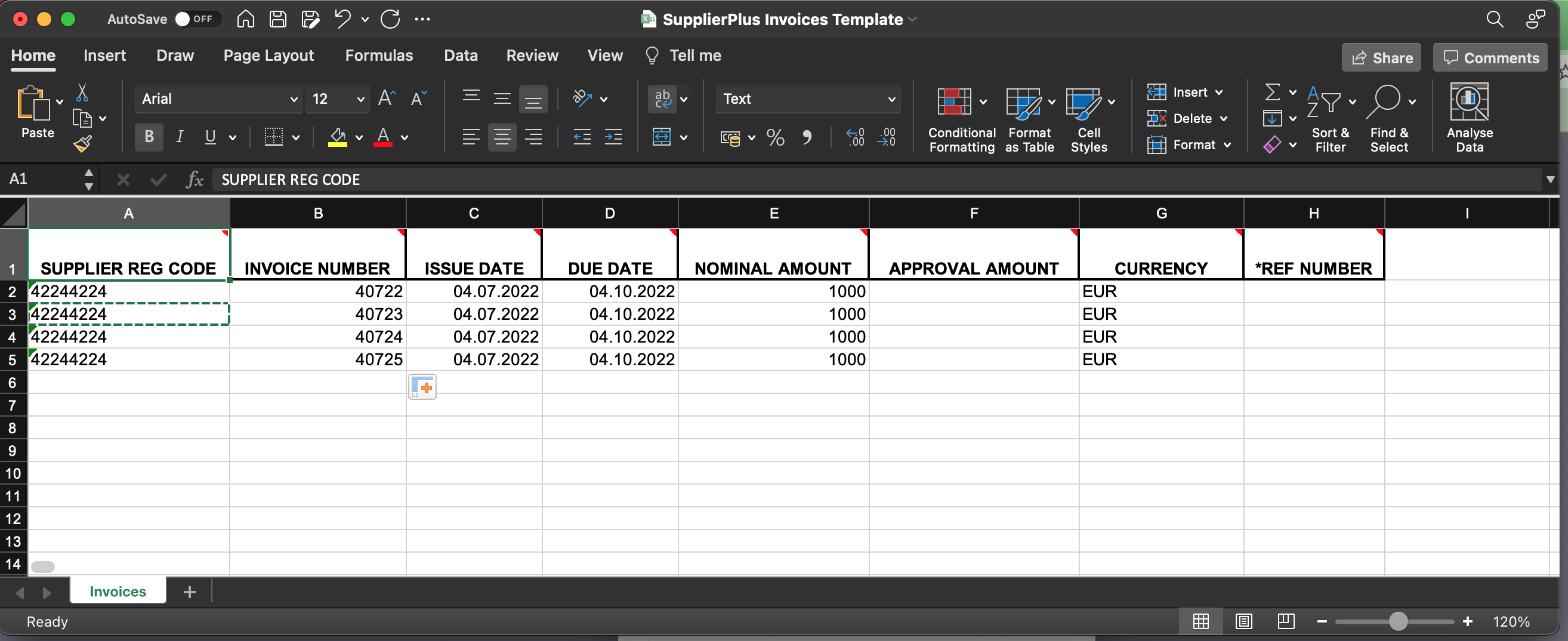
4. Open the invoices_template.xlsx excel file and fill the displayed fields.

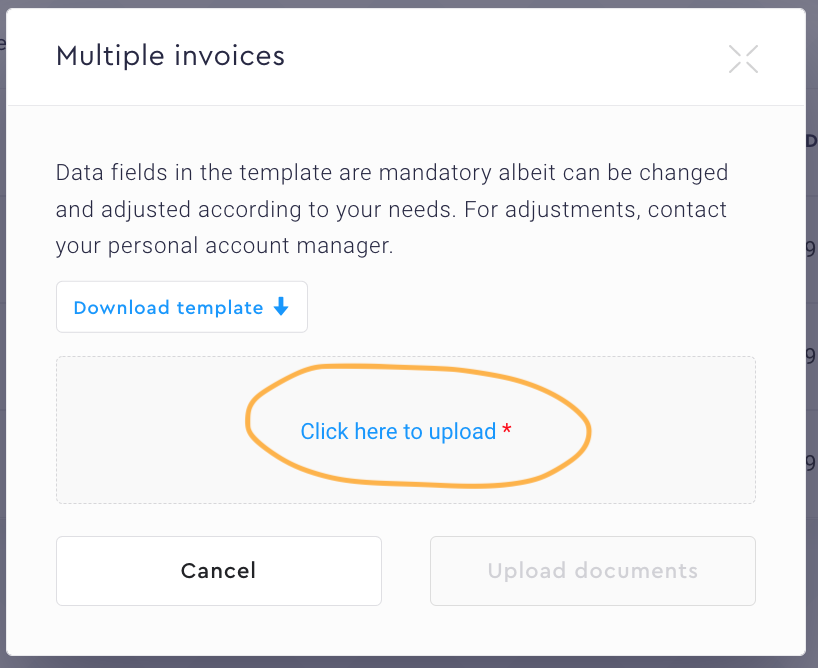
5. Press Click here to upload to add an excel table filled in the previous step.

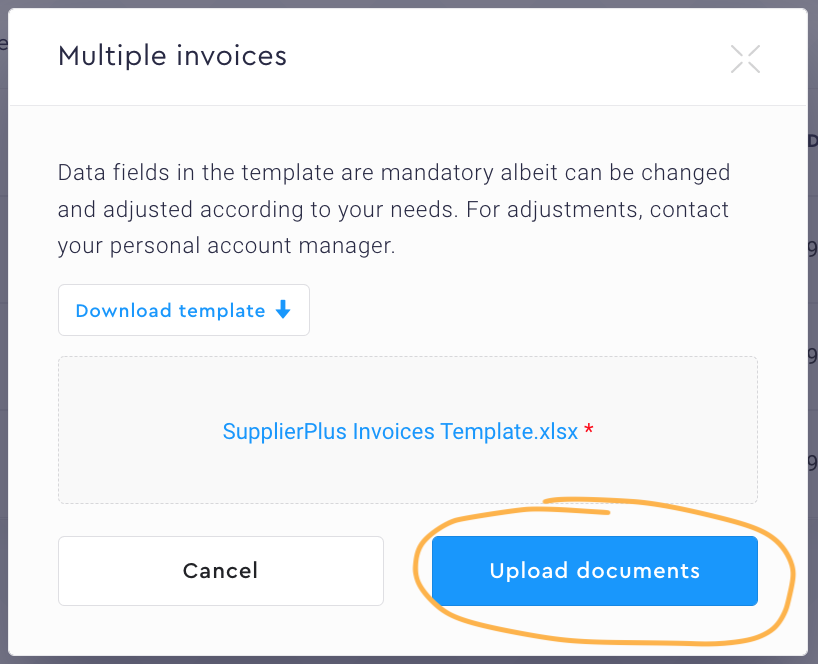
6. Press Upload documents.

Comments
0 comments
Please sign in to leave a comment.