
By default in SupplierPlus, we only show absolutely necessary info at first glance when it comes to invoices view. If you feel that you want to see more, then no problem, we have got you covered. We also have an invoice detailed view of specific information about any given invoice in our platform.
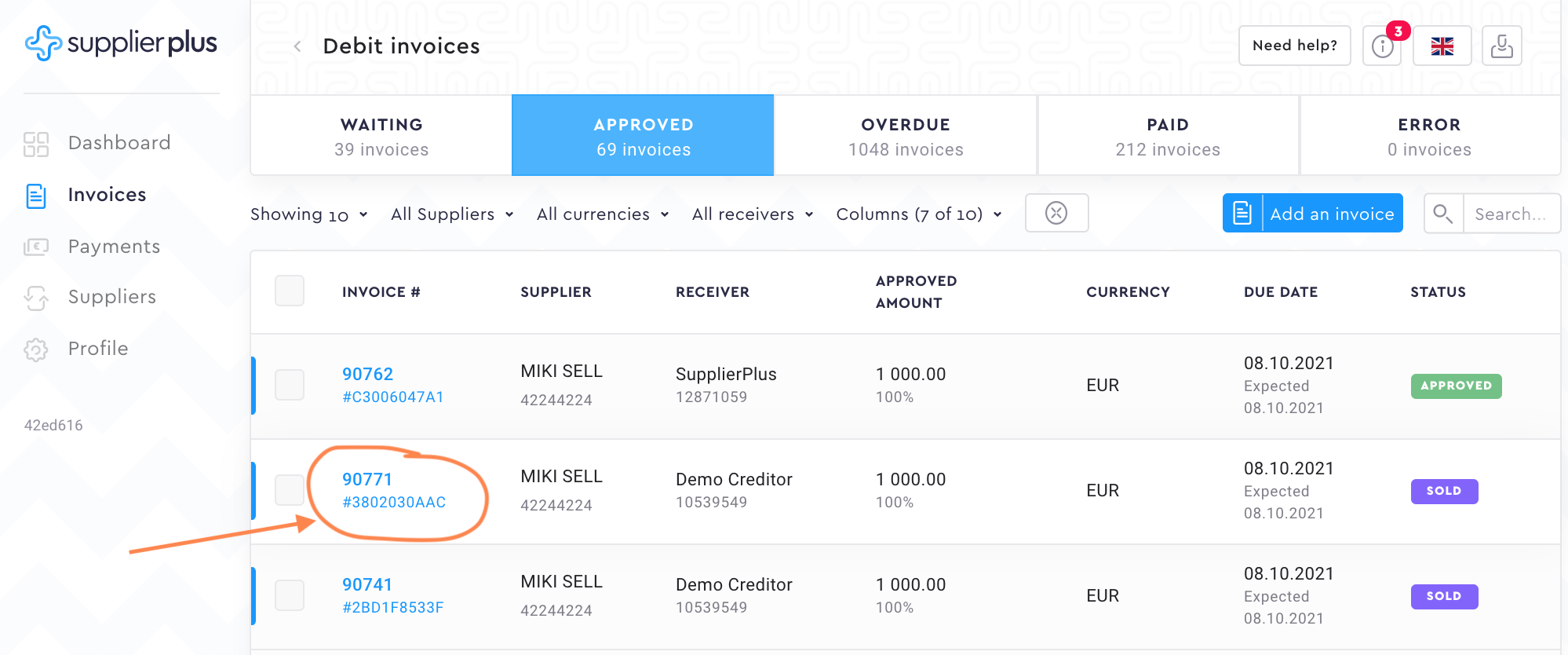
To access the invoice detailed view, click on the invoice number.
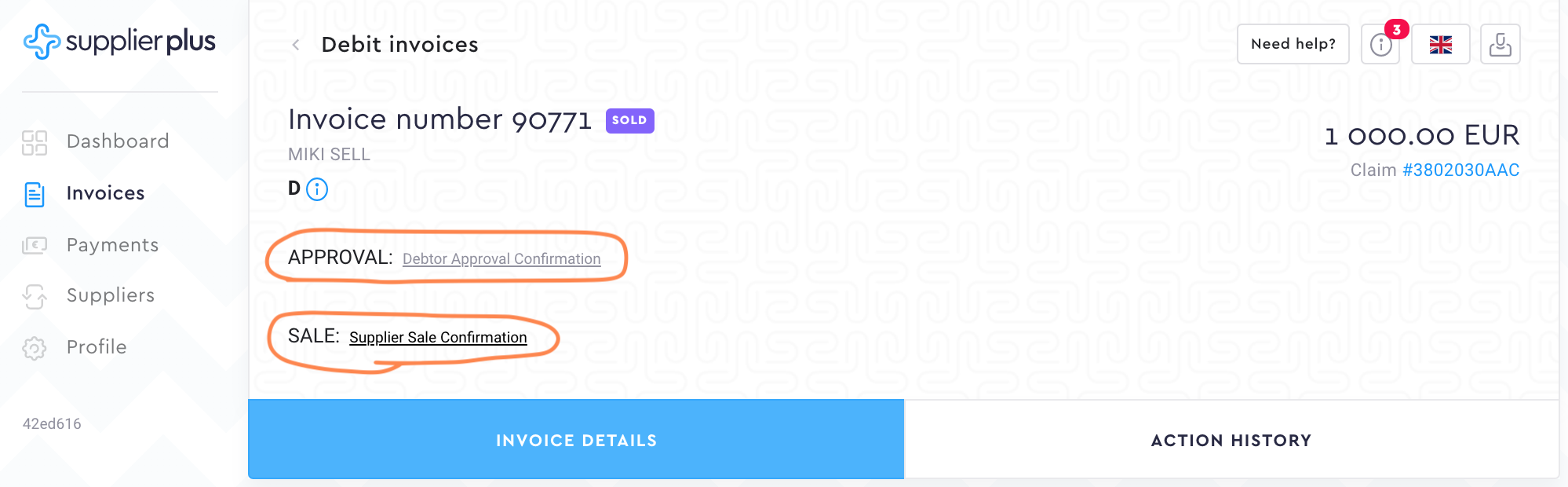
Now that you have opened a detailed view, let's go through different information segments.
Debtor Approval Confirmation and Supplier Sale Confirmation.
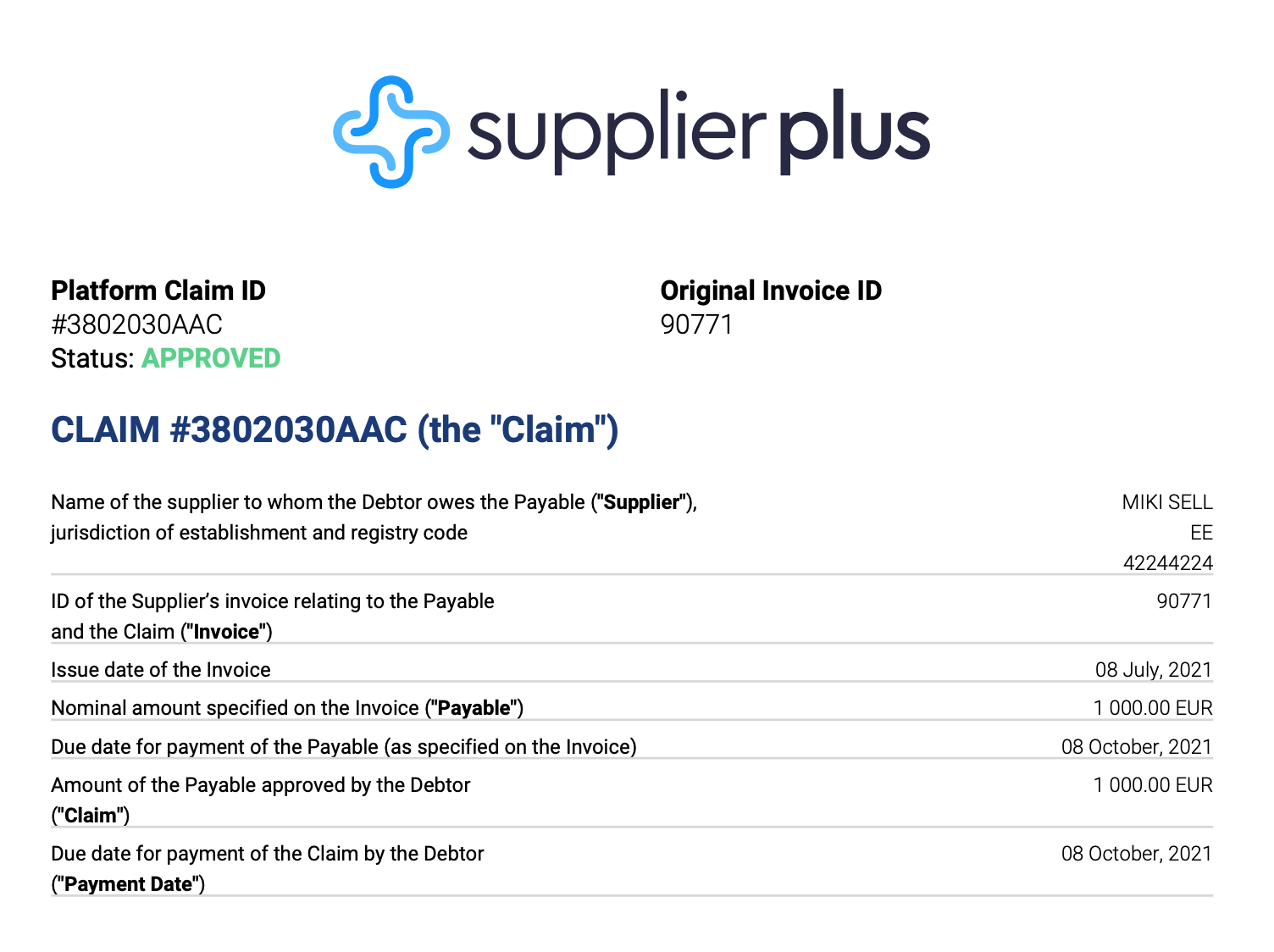
Debtor Approval Confirmation is created as soon as the debtor approves the invoices for the supplier.
Supplier Sale Confirmation is created as soon as the supplier sells the invoices.
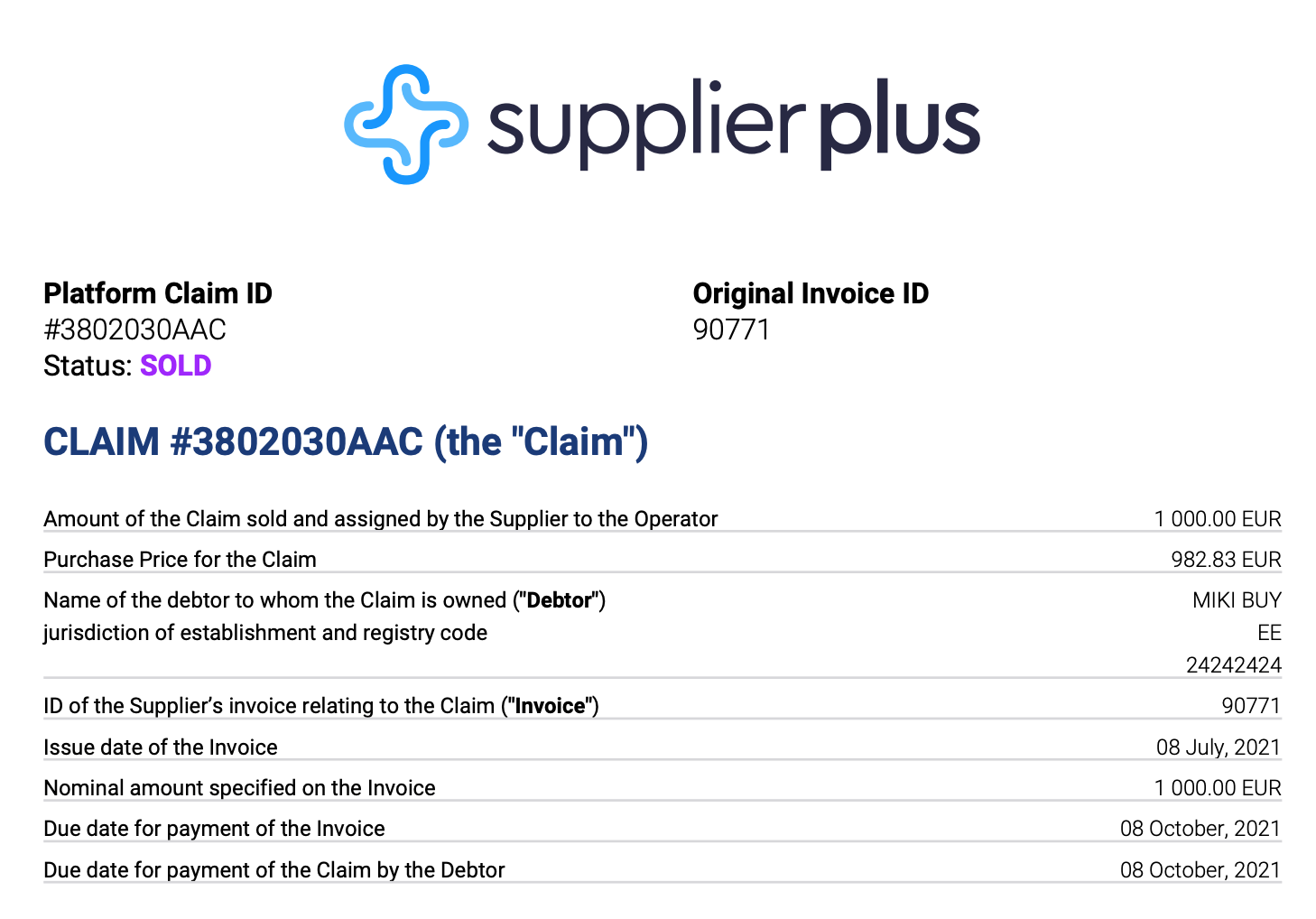
These both confirmations are just tangible proof with all the necessary information regarding the action.
Invoice details.
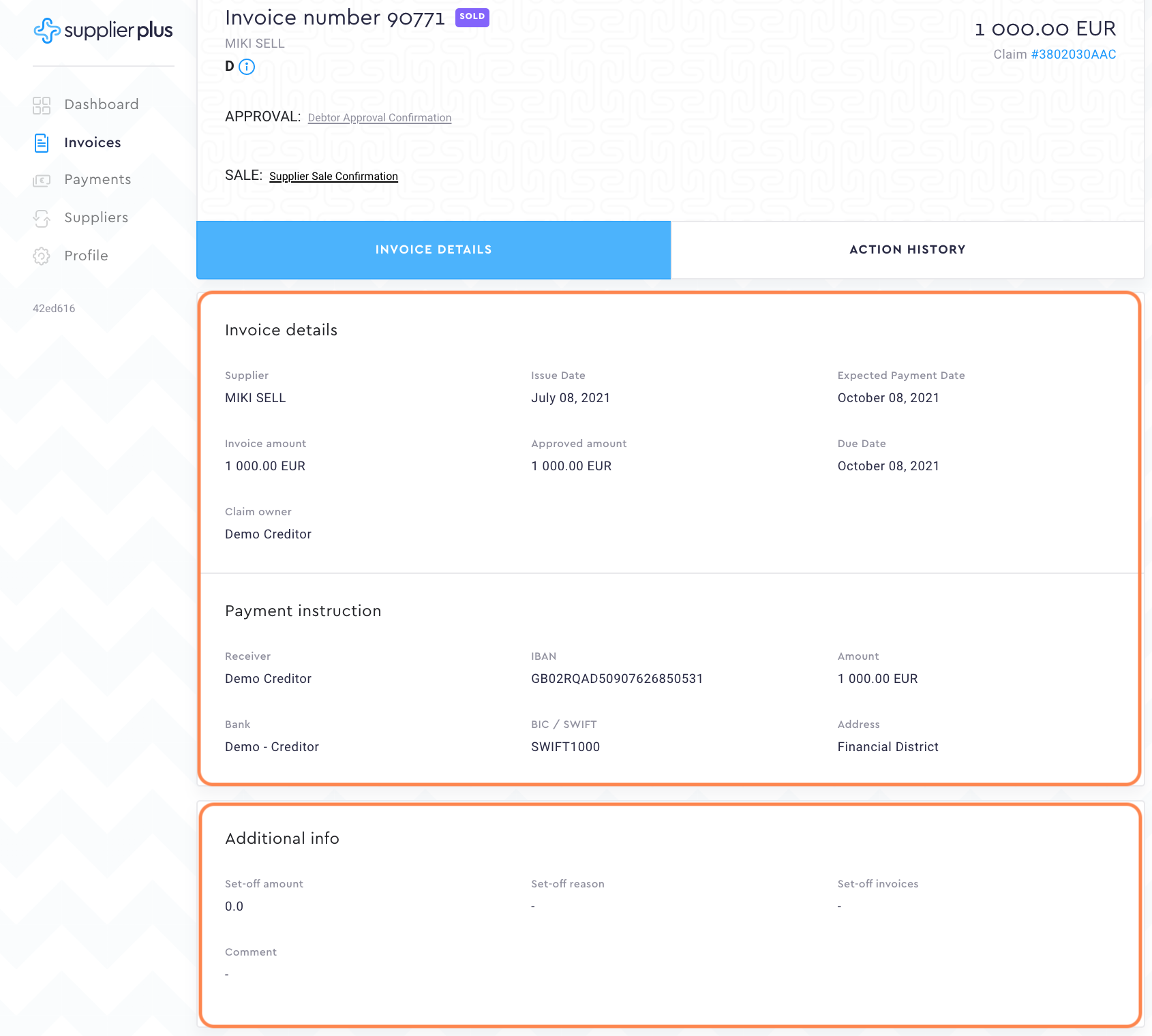
Invoice details
We basically show you the same info in invoice details as you see in the previous invoice view. Here, you just have a better overview of the important dates, amounts, and the new claim owner.
Payment instructions
At the very moment, you approve any invoice, there's a new receiver for that invoice as shown under payment instructions.
Additional info
In the case of using our partial approval feature for settlement purposes, you can see all the necessary inserted data here. So if you see in the invoice view that your nominal amount and approved amount doesn't match, additional info has the answer for you.
Action history
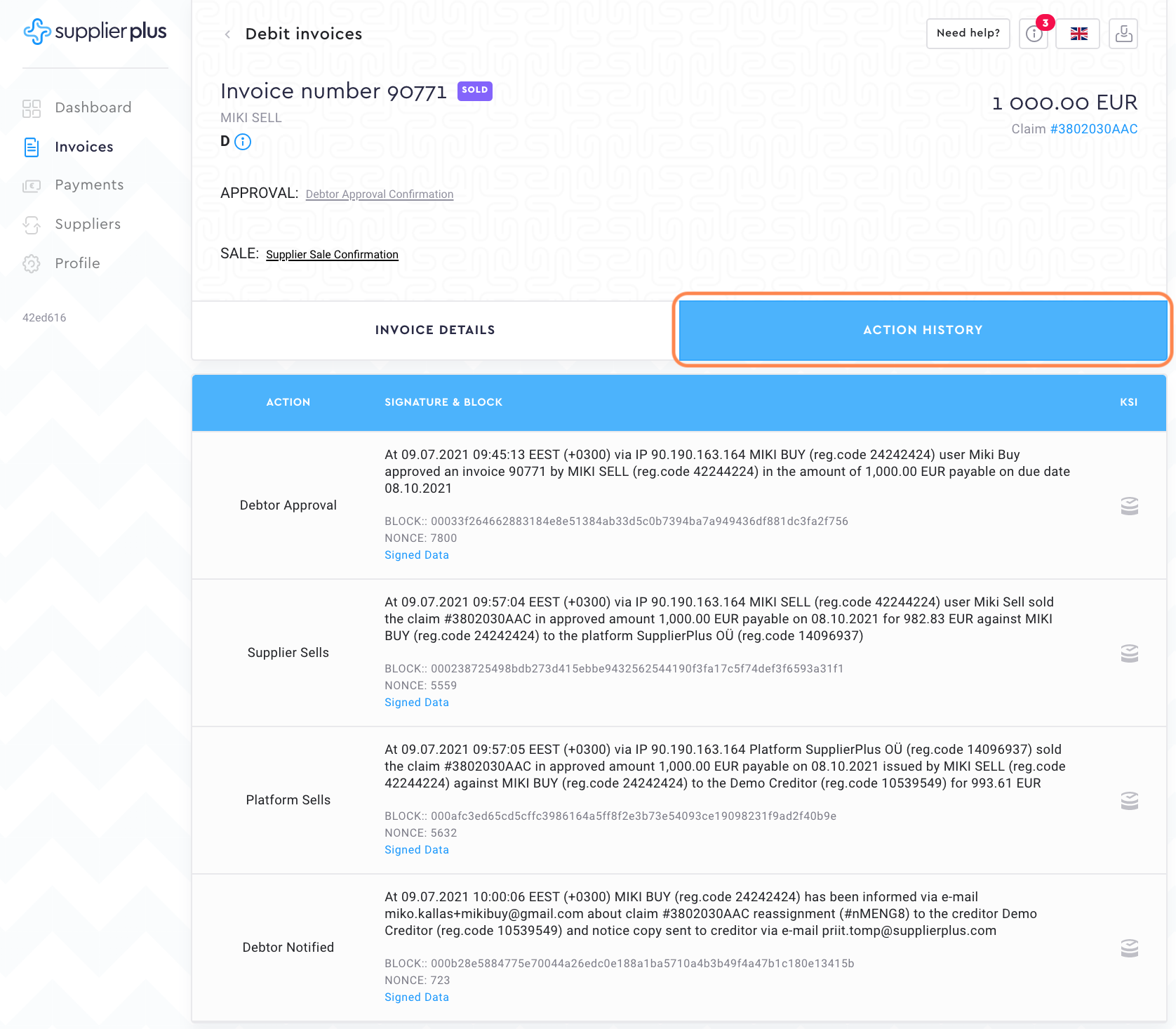
Every move that is done with the invoices, we save in the invoice action history. You can see who approved the invoice, who pressed the sold button etc.
Freeze this claim.
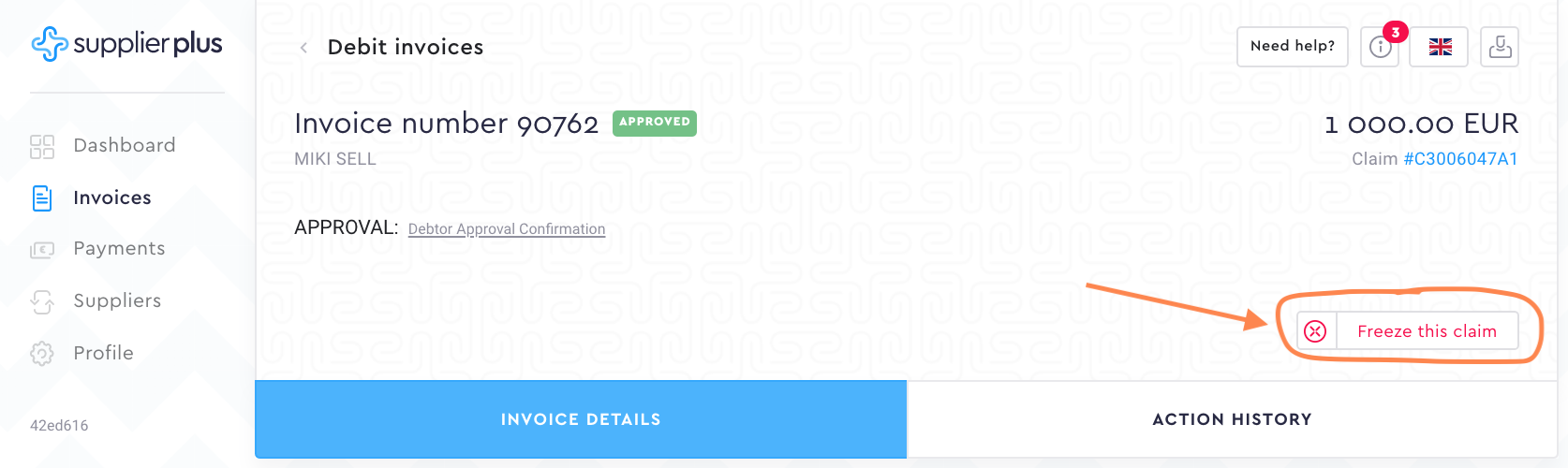
Our debtors basically use freeze this claim function when they have approved the invoice something happens to it and info needs to be changed. As soon as you press the button and confirm the action, SupplierPlus will be notified about it.
Comments
0 comments
Please sign in to leave a comment.