
NB! You have to be a Legal Representative in order to be able to edit user permissions.
-
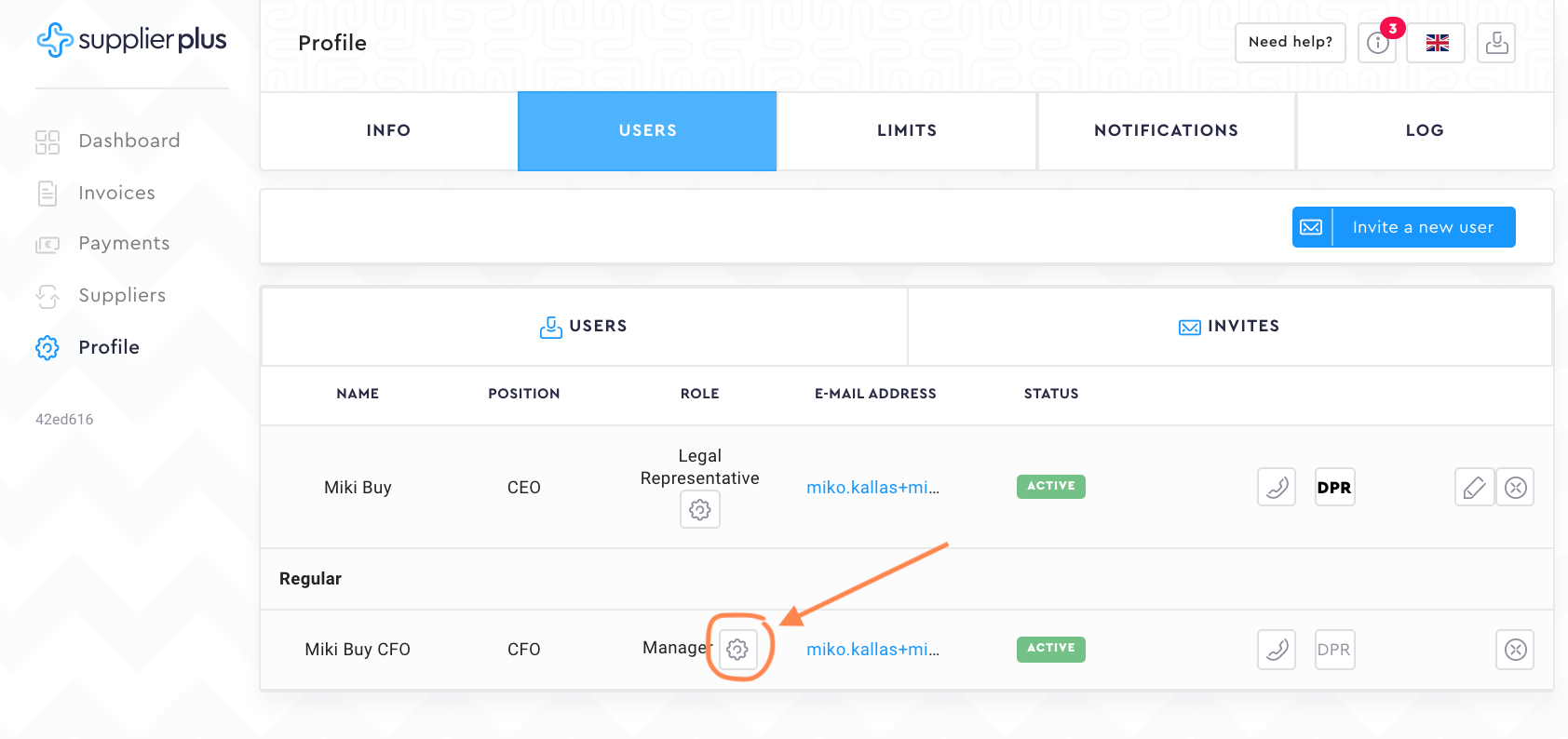
Go to Profile.
-
Press Users.
-
Find the user whose permissions you would like to edit.
-
Press the Change role.
-
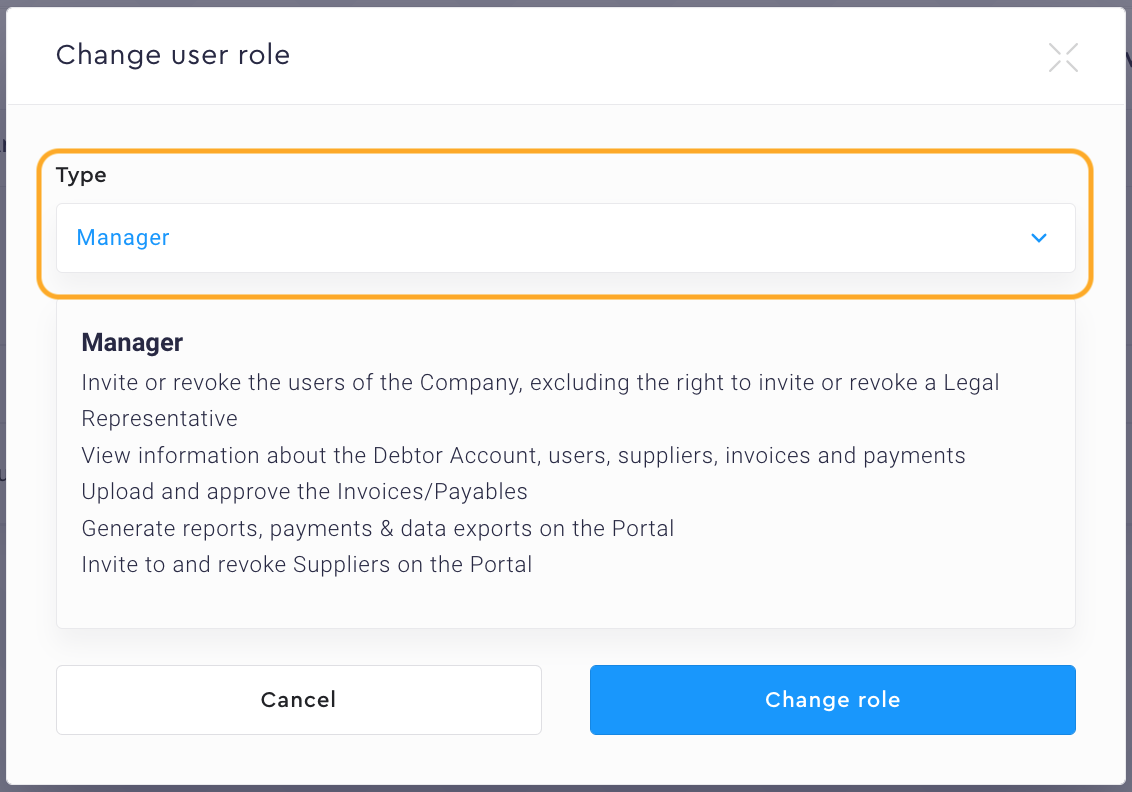
Select the new role.
-
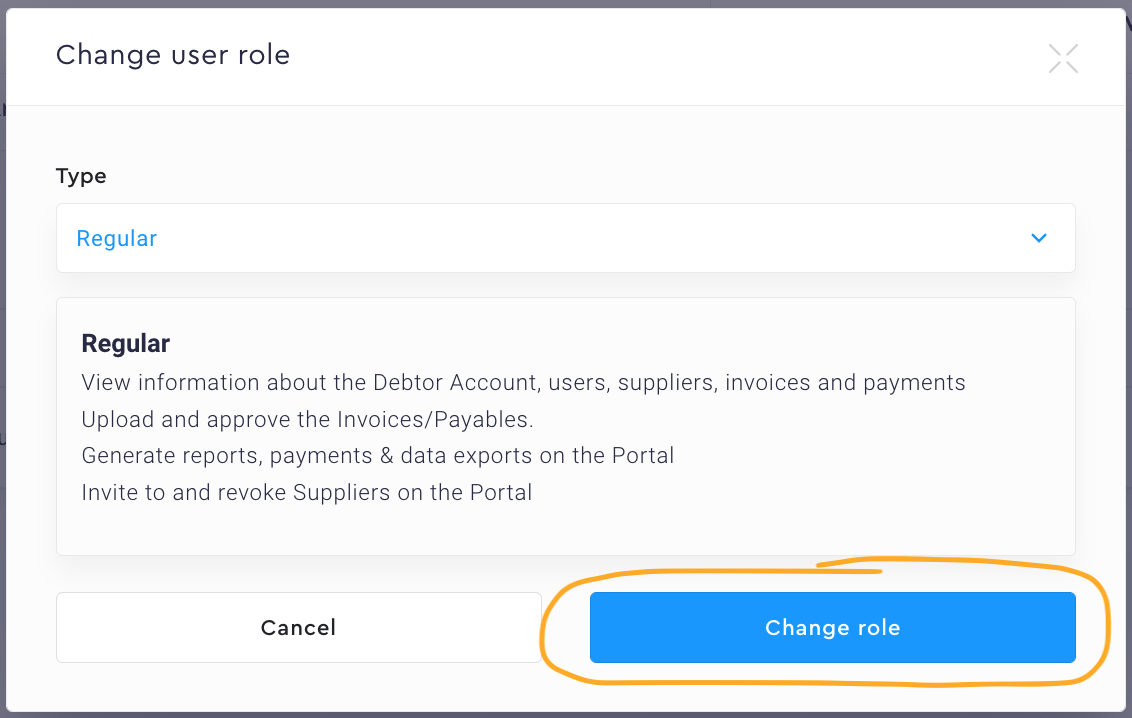
Press Change role.
Instructions with pictures:
-
Go to Profile.

2. Press Users.

3. Find the user whose permissions or role you would like to edit and press the Change user role button.
4. Select the new role/user type. After you have chosen the role, we will show you what user permissions does that role have.
5. Press Change role.
Comments
0 comments
Please sign in to leave a comment.