
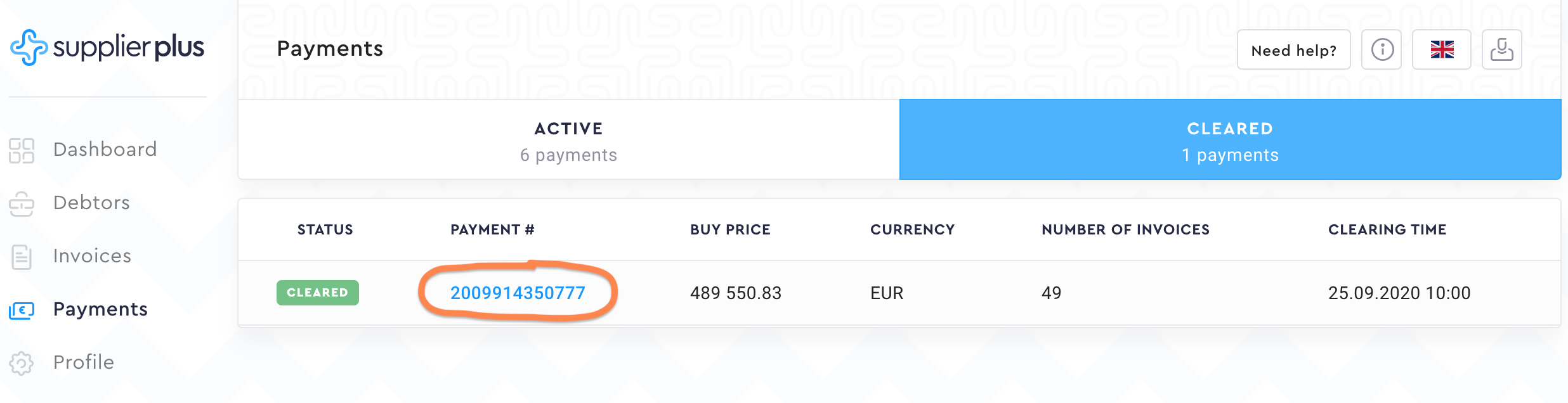
To get the detailed view of the payments, go to Payments from the left side menu. To open the specific payment, click on the Payment #.
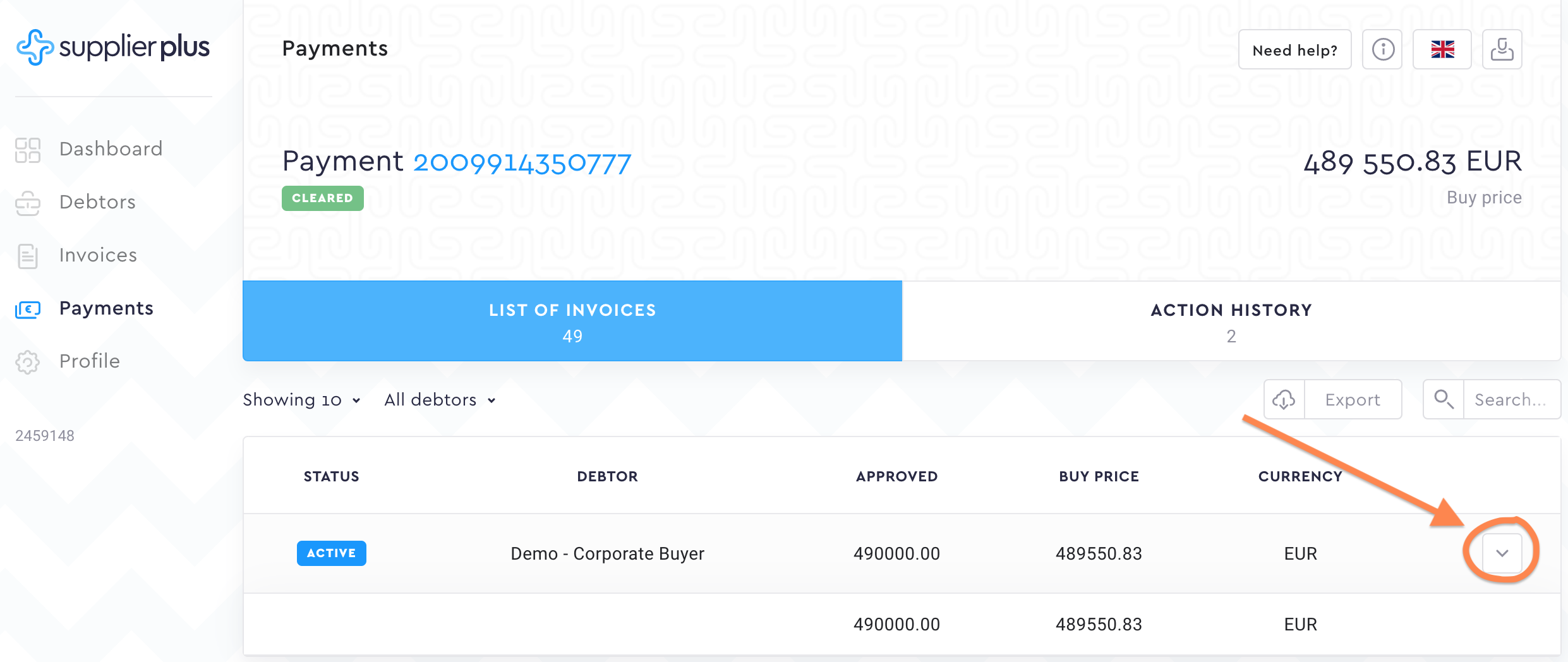
If you want to know which individual invoices the payment request contains, click on the extended view button at the end of the row.
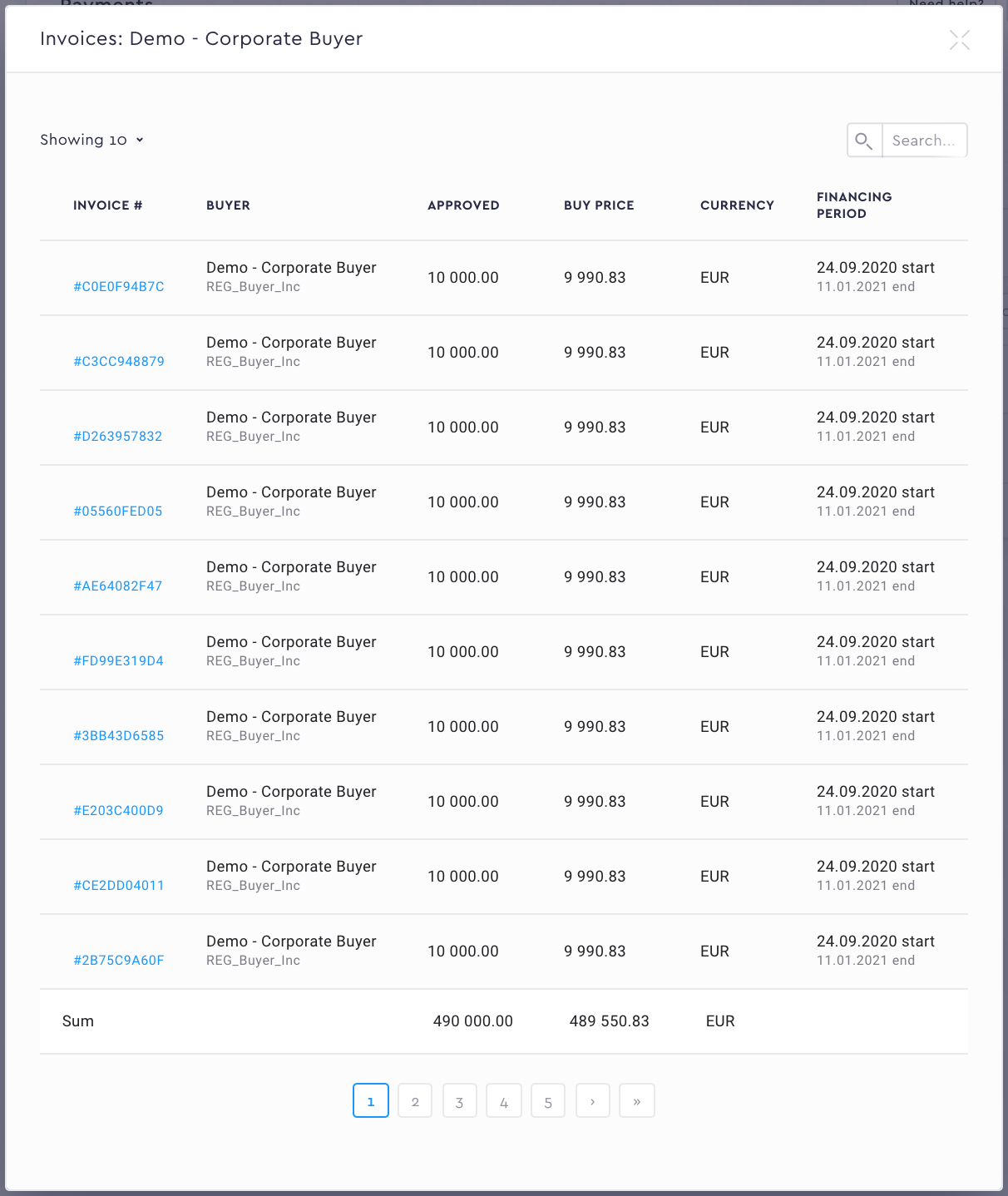
Now you can see the basic information of all the individual invoices in this payment request.
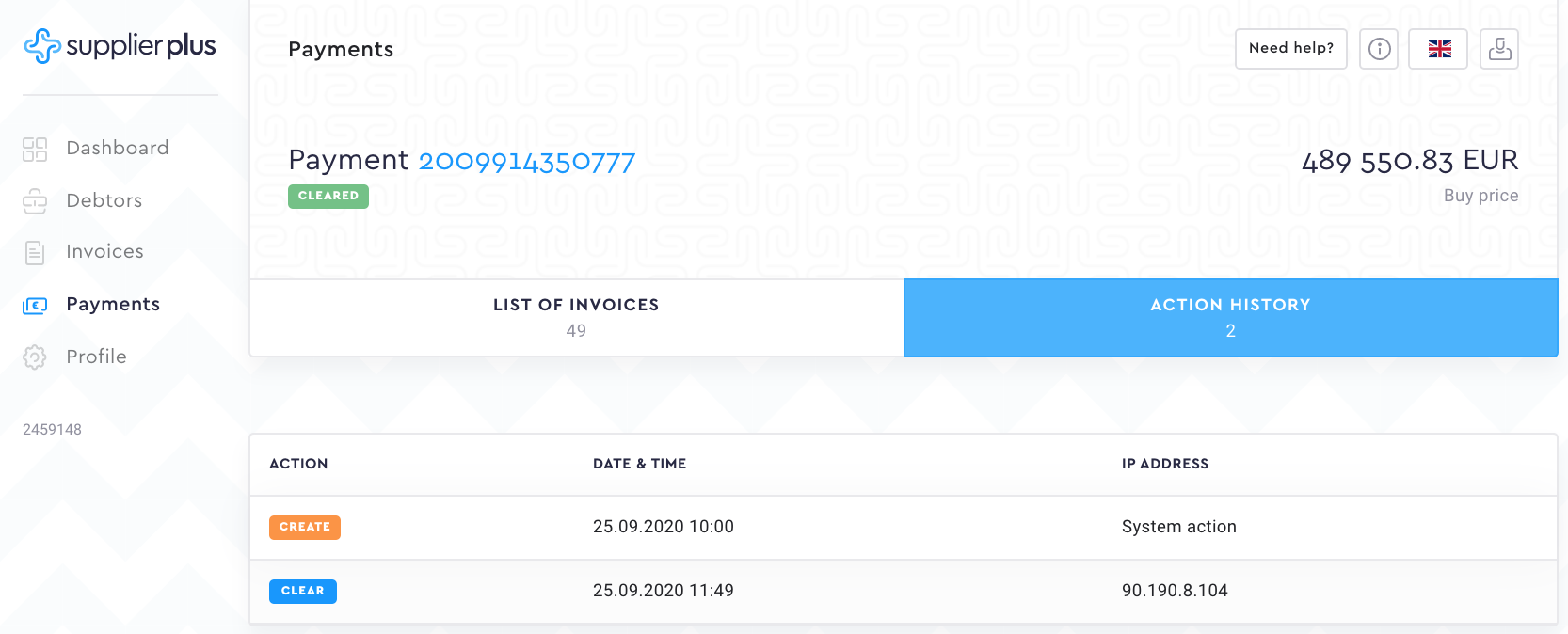
Action history shows you the date and time the CPR (Creditor Payment Report) was automatically created and also Cleared by the SupplierPlus Admin.
Comments
0 comments
Please sign in to leave a comment.