
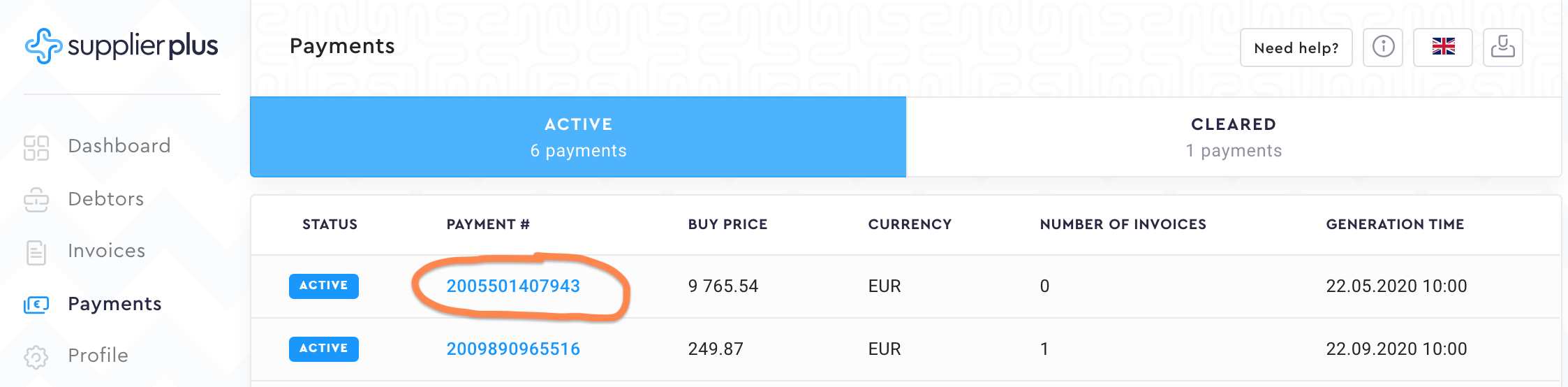
You can access the payments by going to Payments from the left side menu.
Active payments.
Active payments are the requests that haven't been cleared yet by SupplierPlus Admin. The request has been generated and sent out to your responsive email.
To get the detailed payment info, click on the Payment #.
Cleared payments.
Active payments automatically move to Cleared payments when SupplierPlus has received the full amount of the payment and SupplierPlus Admin has cleared the payment.
Comments
0 comments
Please sign in to leave a comment.