
By default in SupplierPlus, we only show necessary info at first glance when it comes to invoices view. If you feel that you want to see more, then no problem, we got you covered. We also have an invoice detailed view of specific information about any given invoice in our platform.
To access the invoice detailed view, click on the invoice number.
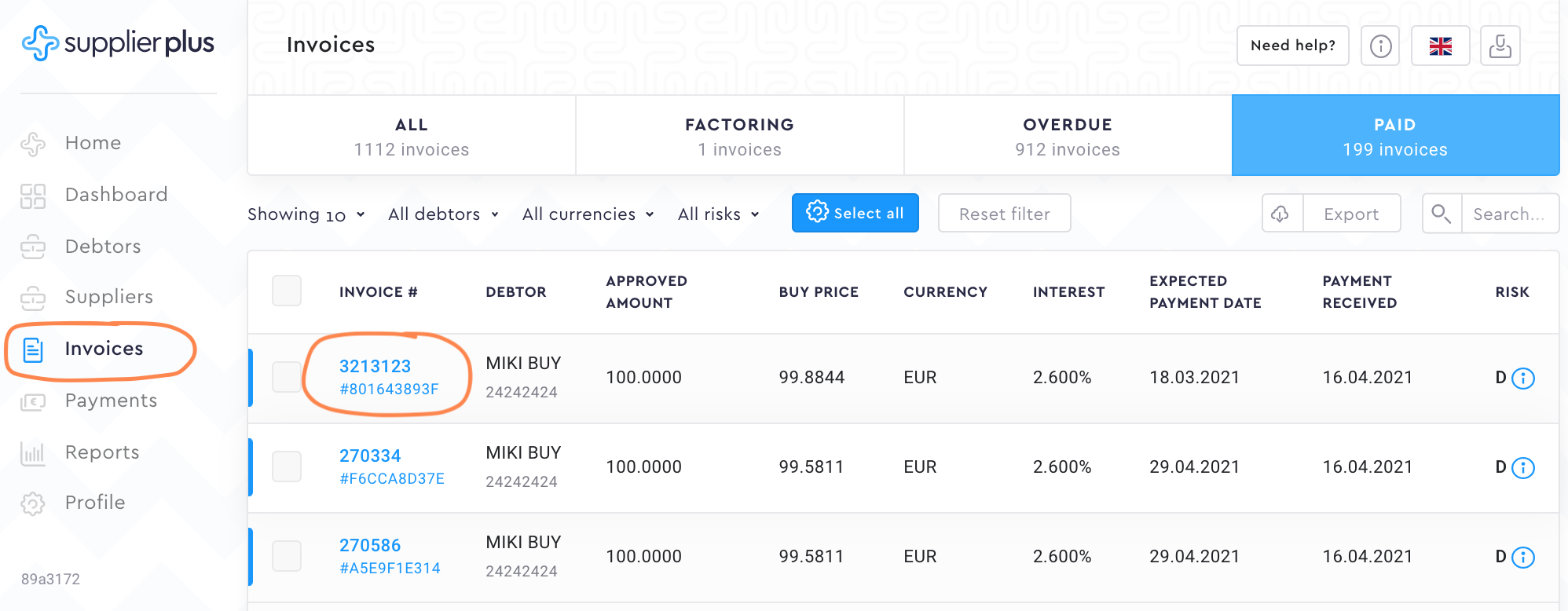
Now that you have opened a detailed view, let's go through different information segments.
Debtor Approval Confirmation & Supplier Sale Confirmation
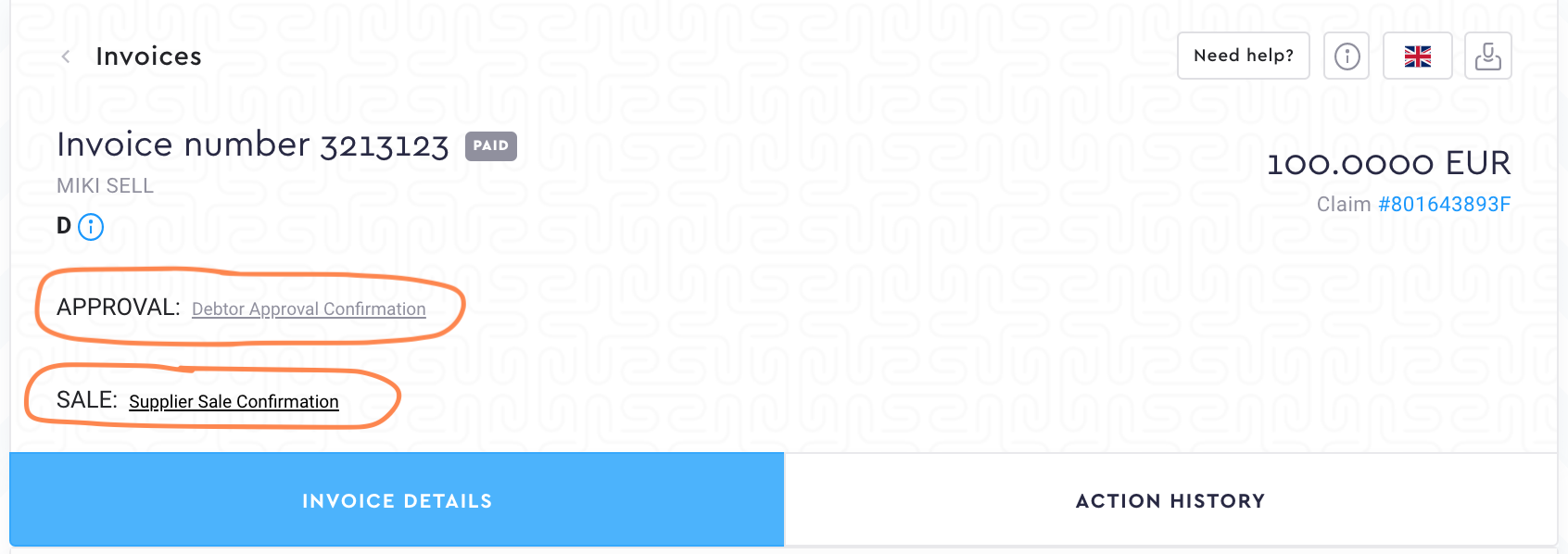
Debtor Approval Confirmation (DAC) is created as soon as the debtor has approved the invoices.
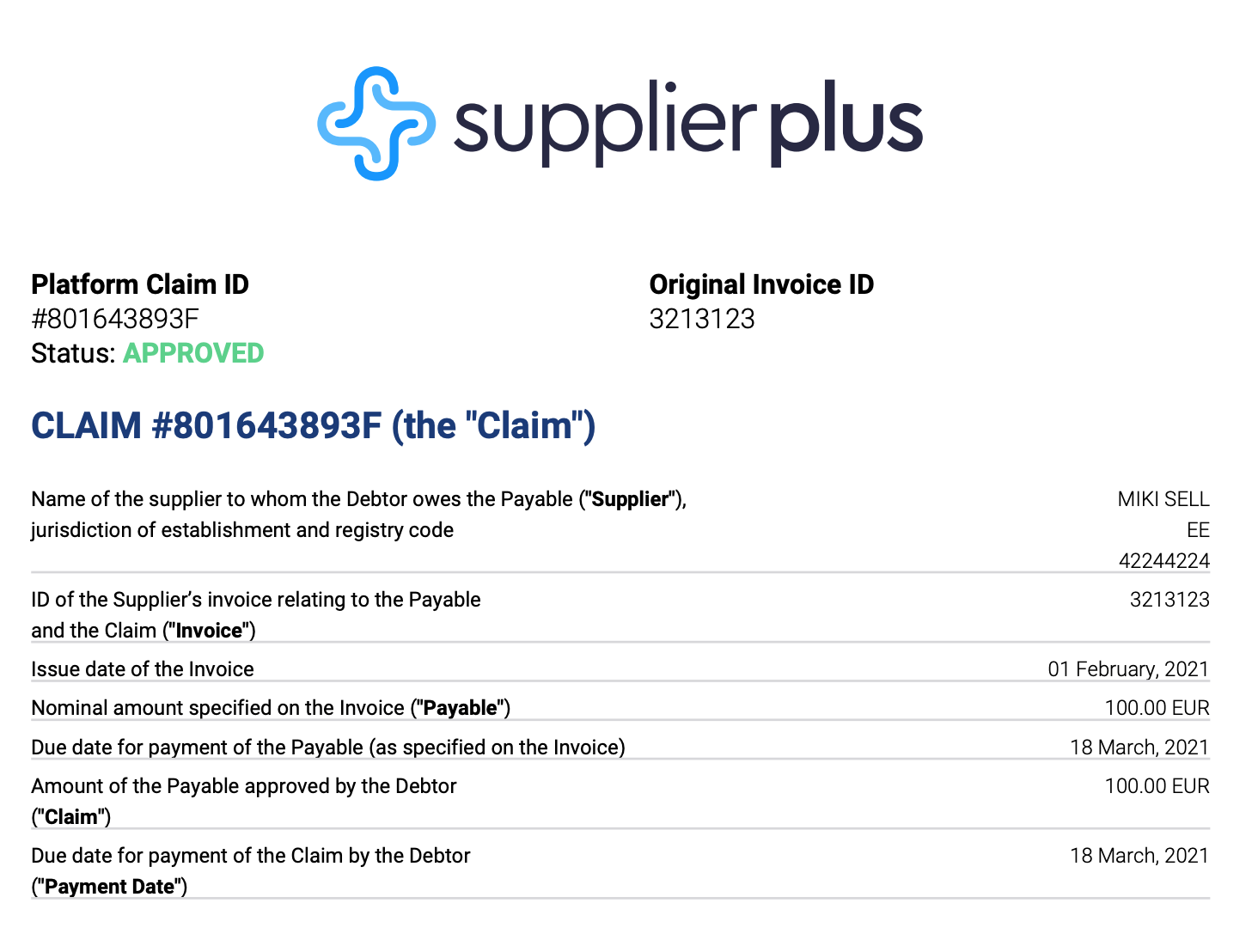
Supplier Sale Confirmation (SSC) is created as soon as the supplier sells the invoices.
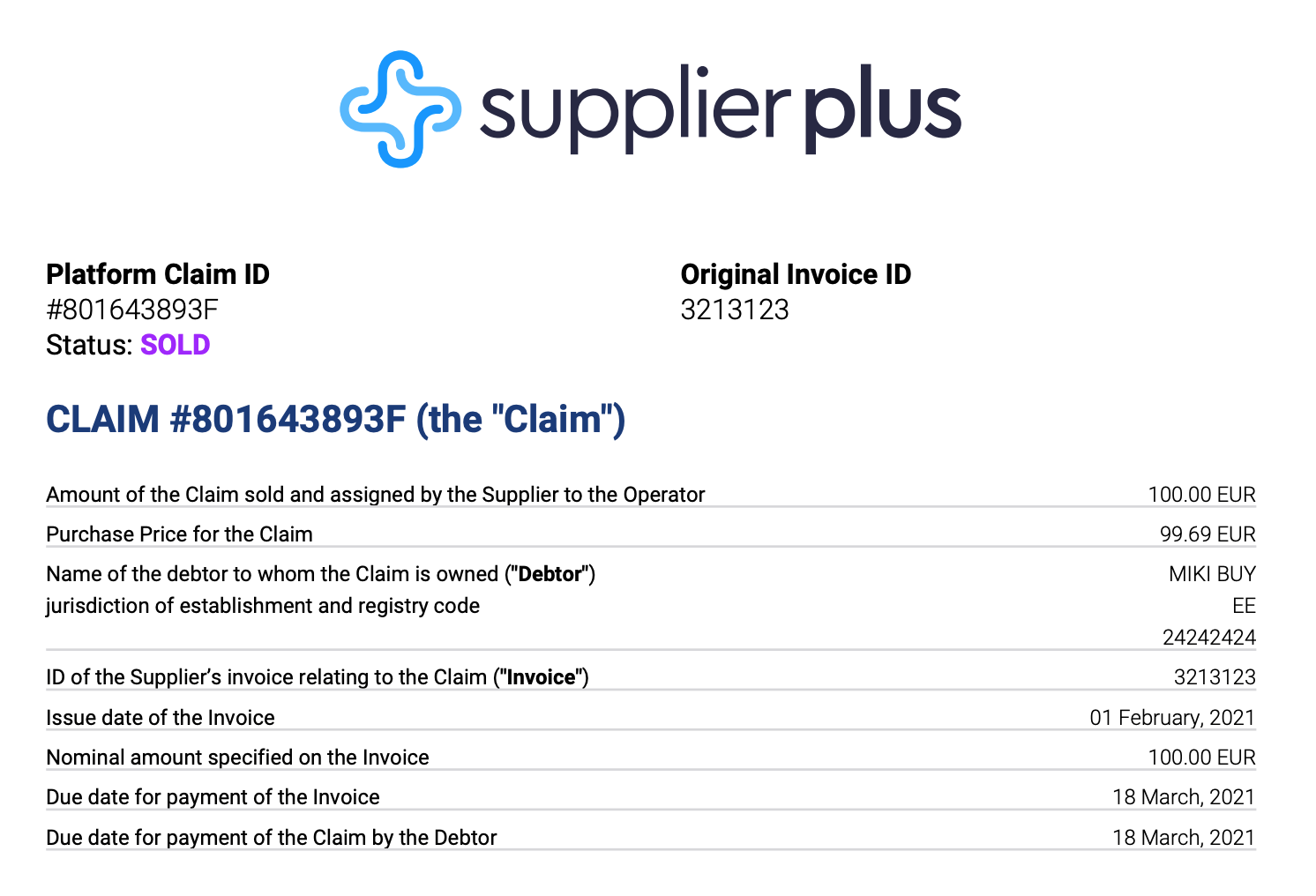
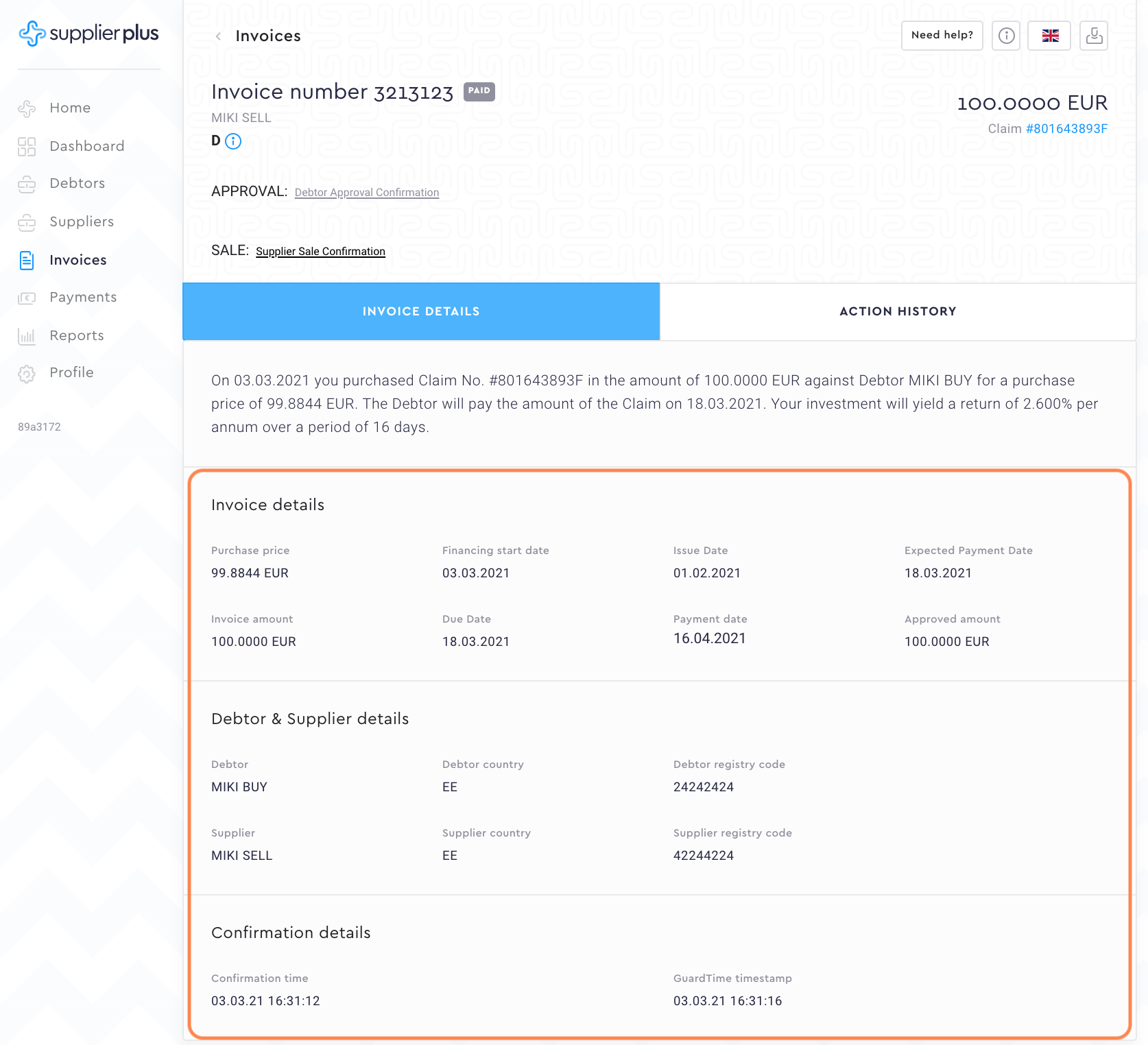
Invoice details
Invoice details
We basically show you the same info as you see in the previous invoice view in invoice details. In here you just have a better overview of the important dates and amounts.
Debtor & Supplier details
From here you can see the basic data concerning the debtor and supplier.
Confirmation details
In confirmation details, you can see information when the debtor has confirmed the invoice.
Action history
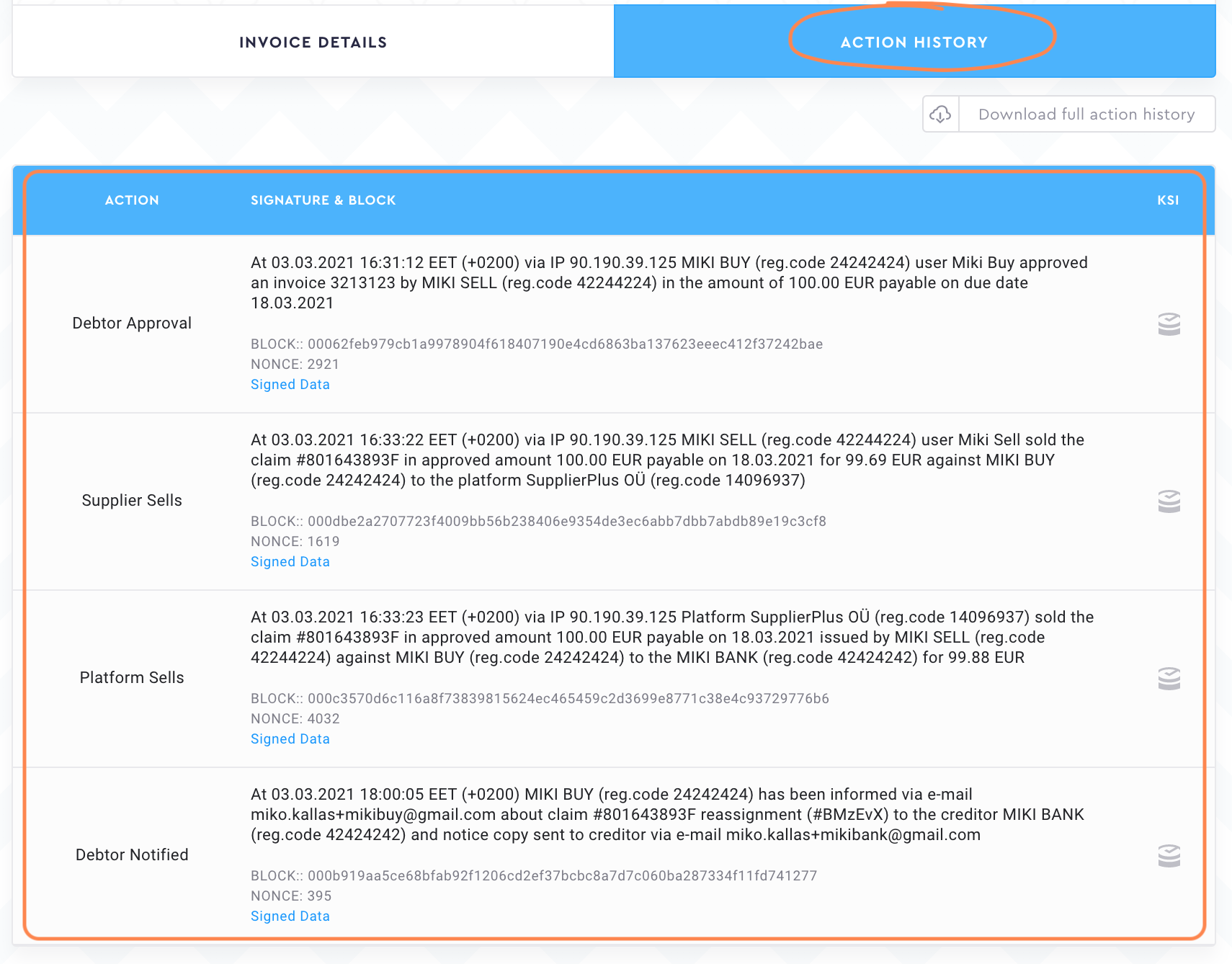
Every move that is done with the invoices, we save in the invoice action history. You can see who approved the invoice, who pressed the sold button etc.
Comments
0 comments
Please sign in to leave a comment.