
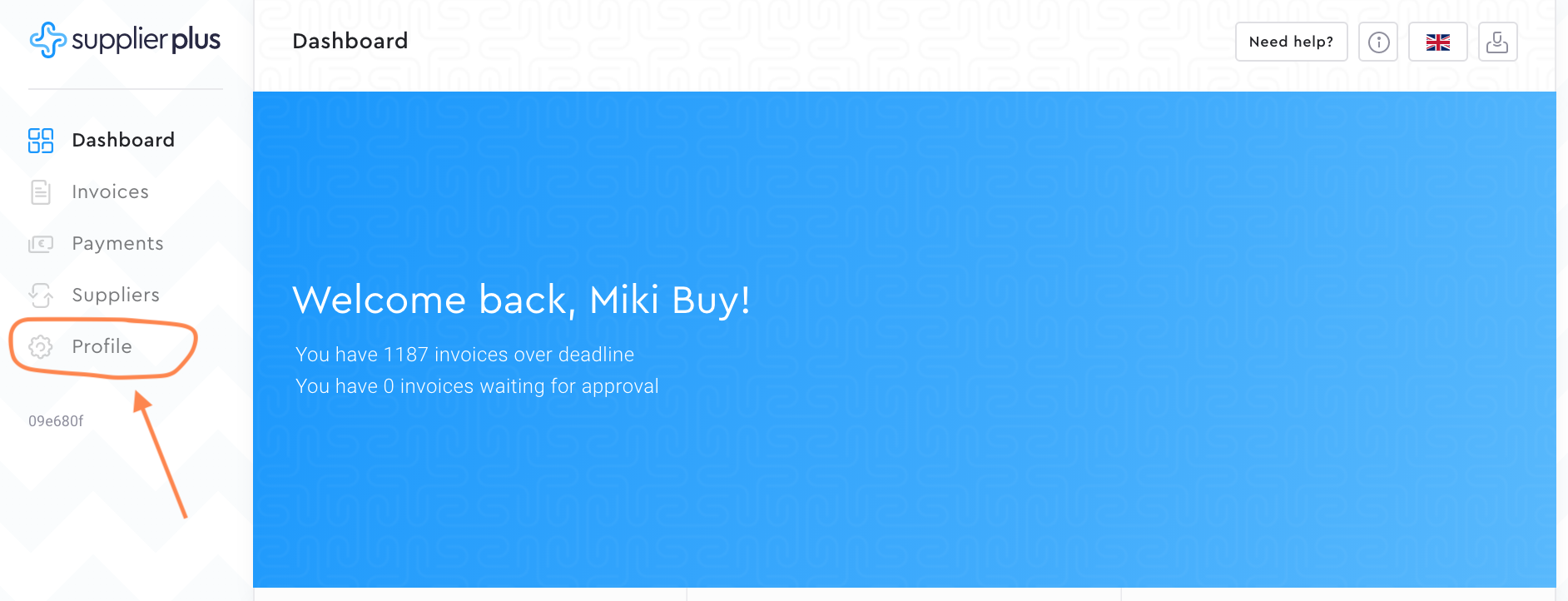
1. Go to Profile from the menu.
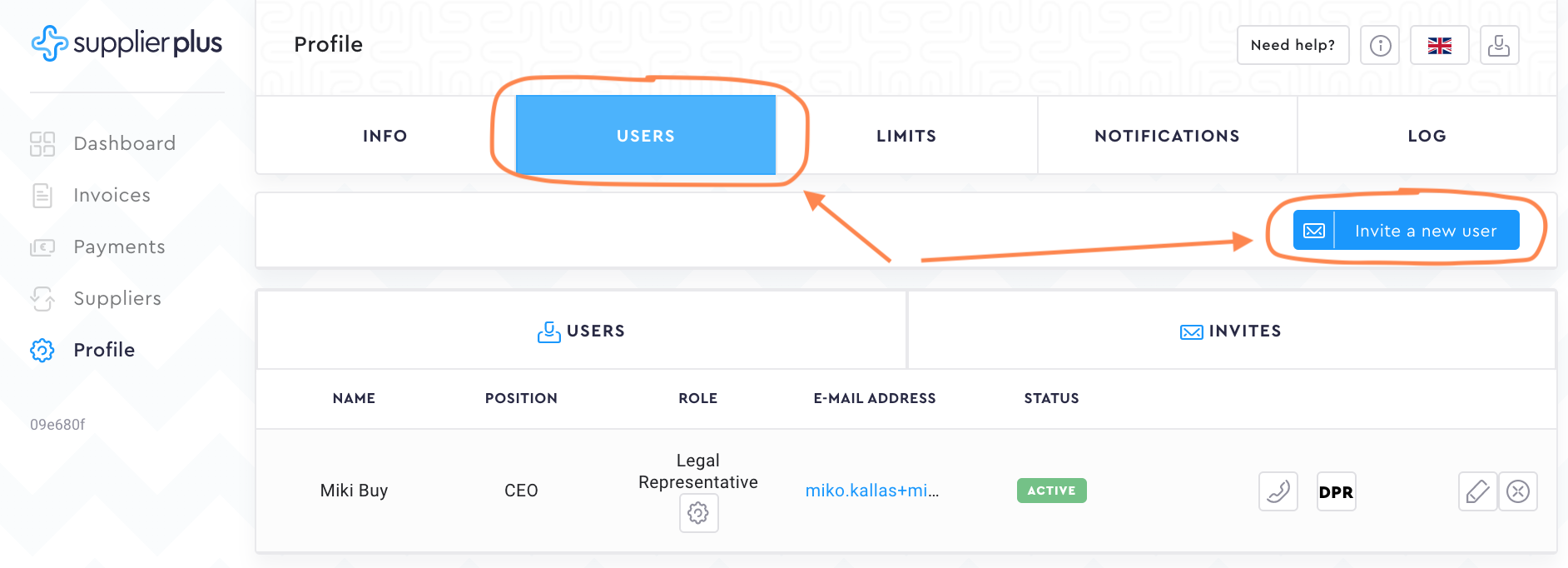
2. Select Users and press Invite a new user.
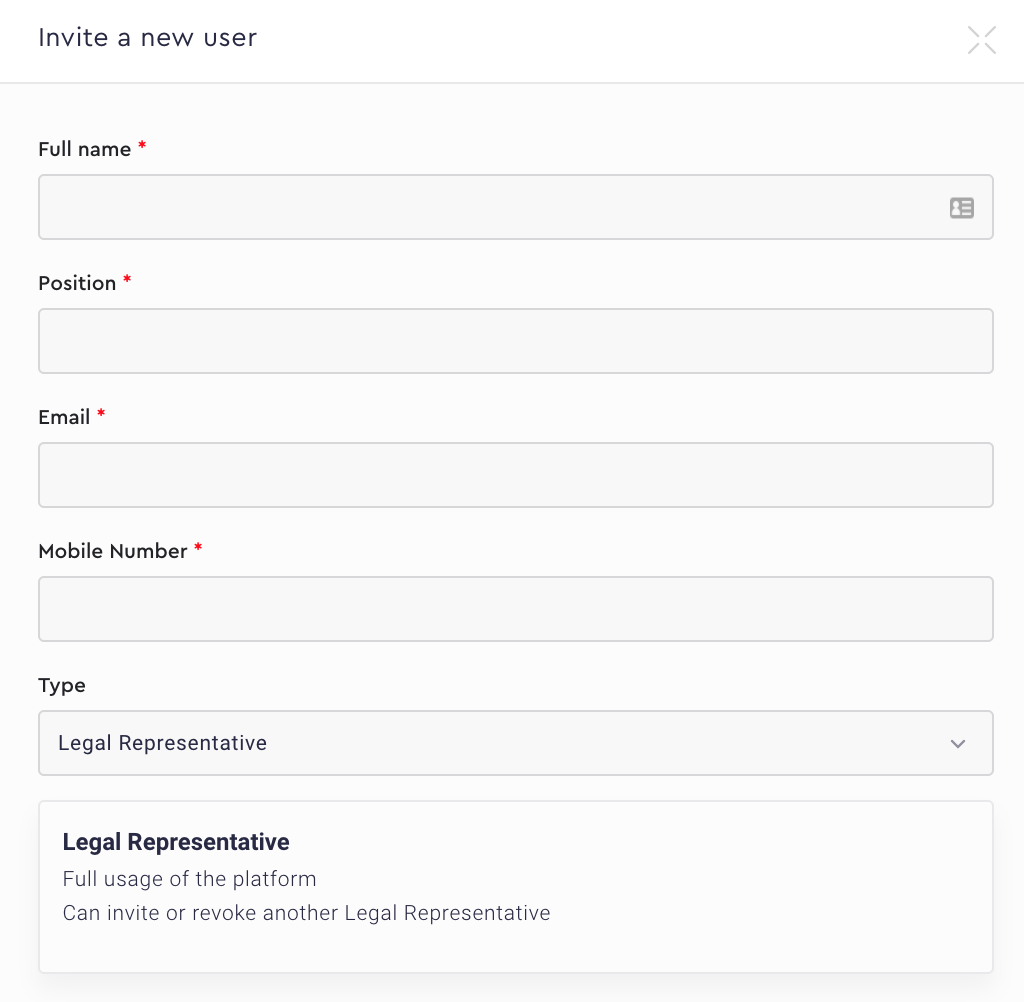
3. Fill in mandatory fields and select the User Type. You will see the user type description as soon as you have selected it.
4. Give the user-specific rights if necessary.

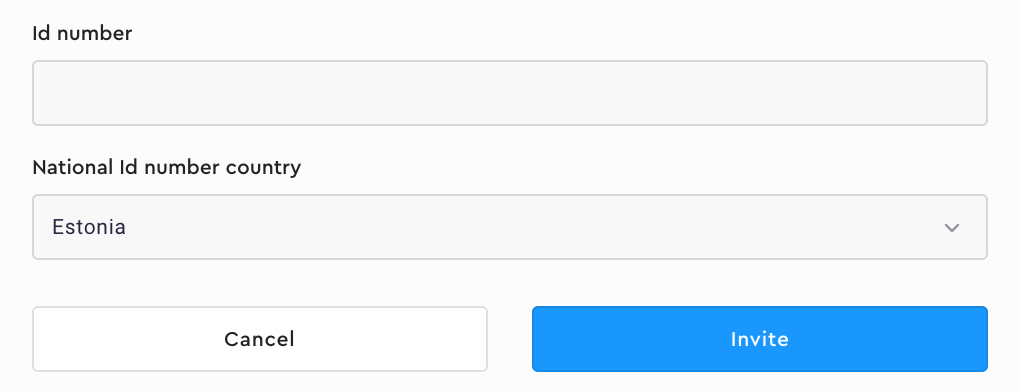
5. Type in the user ID number if you want the user to have an option to sign in with Mobile-ID and/or Smart-ID. Then select the ID number country and press Invite.
Comments
0 comments
Please sign in to leave a comment.