
As soon as you have bought invoices based on your set limits, we will send you a report called CPR (Creditor Payment Report). This report will let you know exactly which invoices were bought and what was the total and individual buy price for each invoice. We will send it to the email that we have agreed on in our initial agreement.
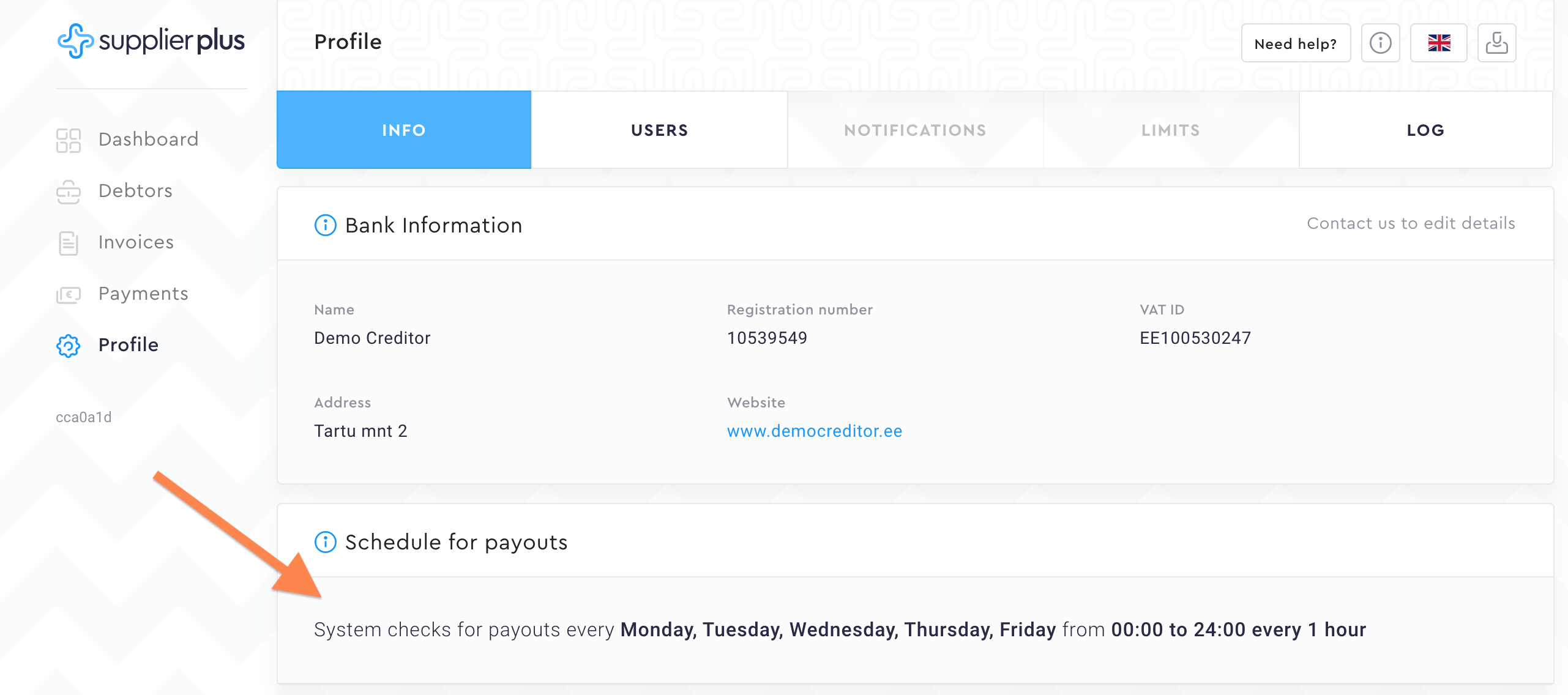
CPR will automatically be created based on the CPR schedule that will also be agreed on in our initial agreement. You can see the CPR schedule from Profile --> Info
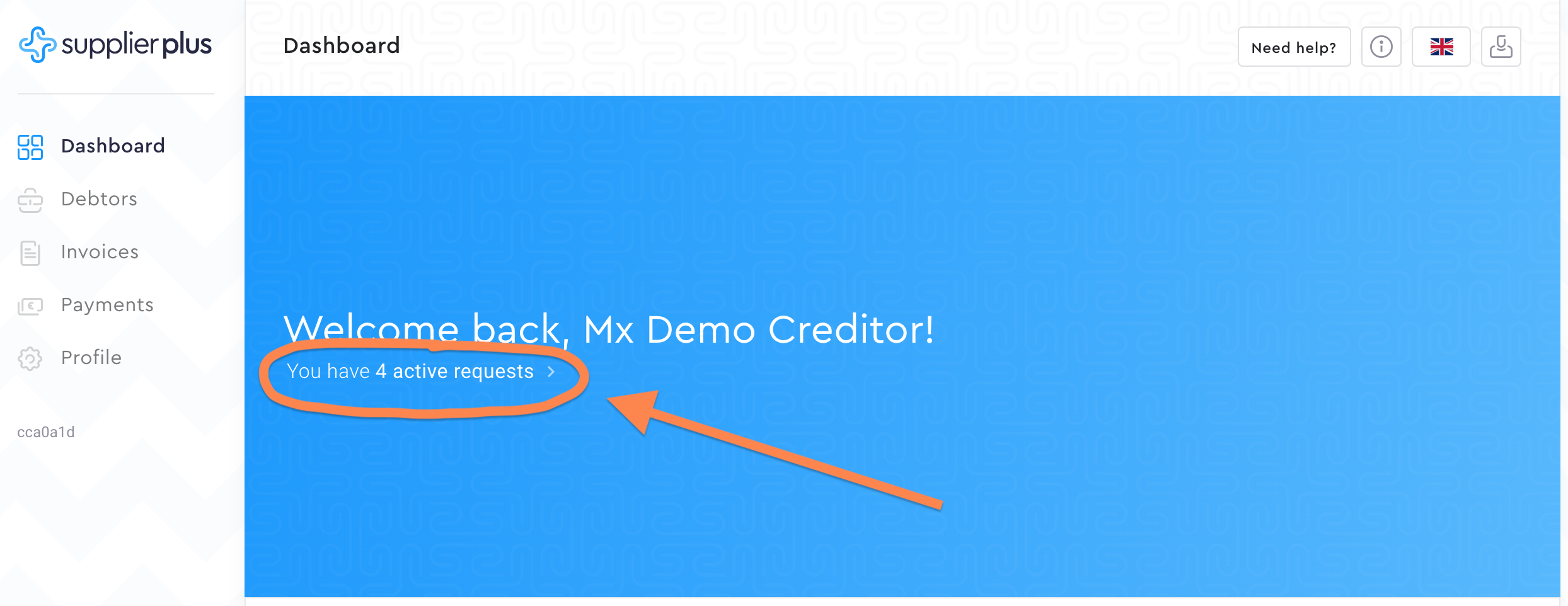
You can access the CPR info in Payments or click on a shortcut in the Dashboard.
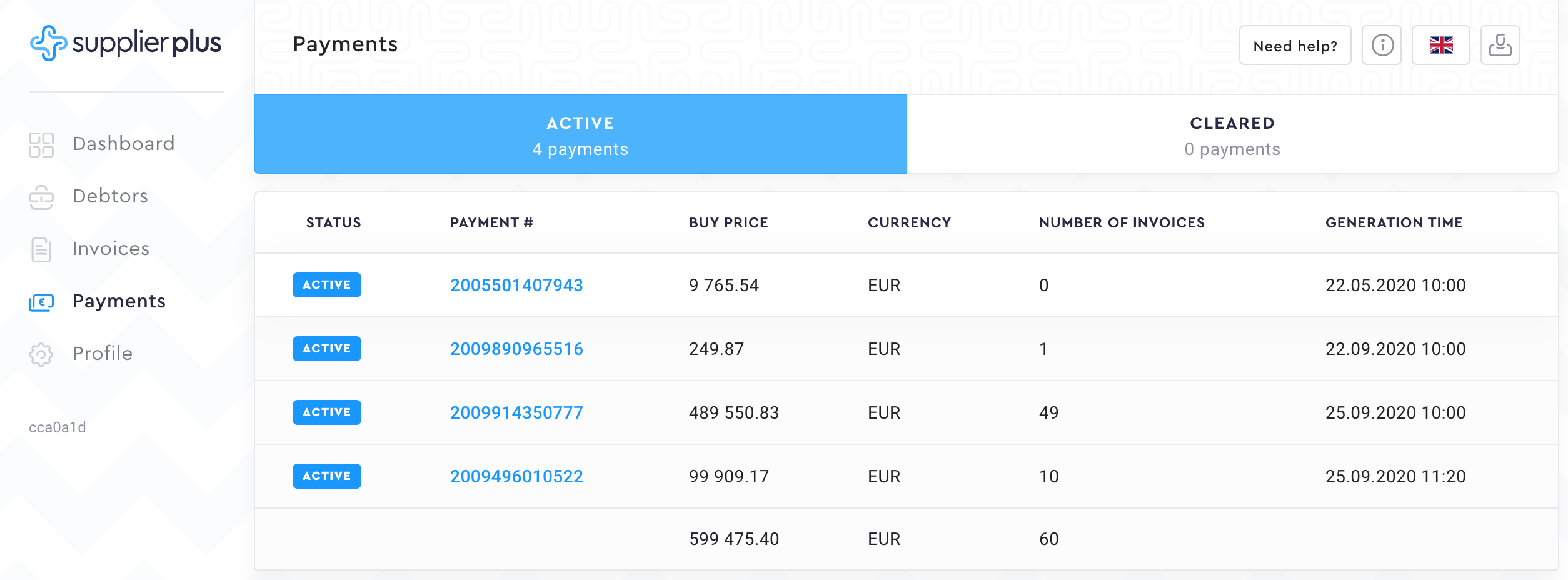
Active CPRs are the ones which buy price has not been received yet by SupplierPlus.
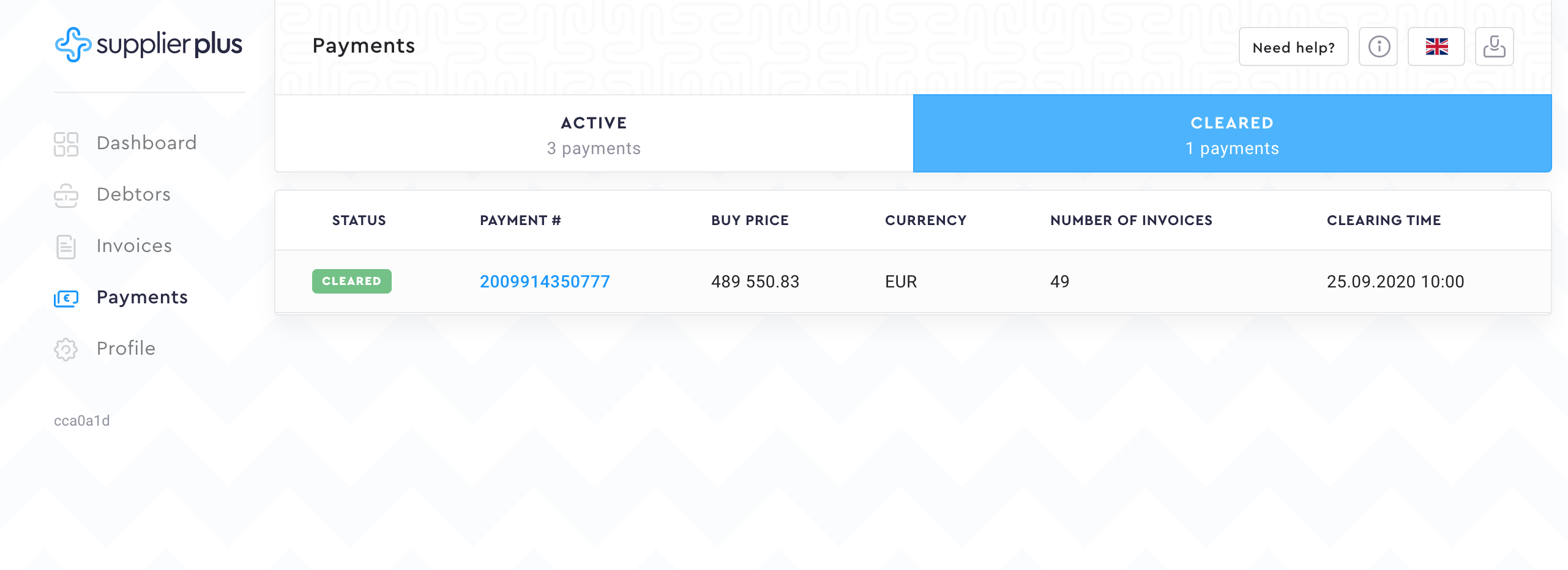
As soon as SupplierPlus receives the buy price from you, our admin will mark it as paid and the payment report will move to Cleared tab.
Comments
0 comments
Please sign in to leave a comment.